 YNSPIRA
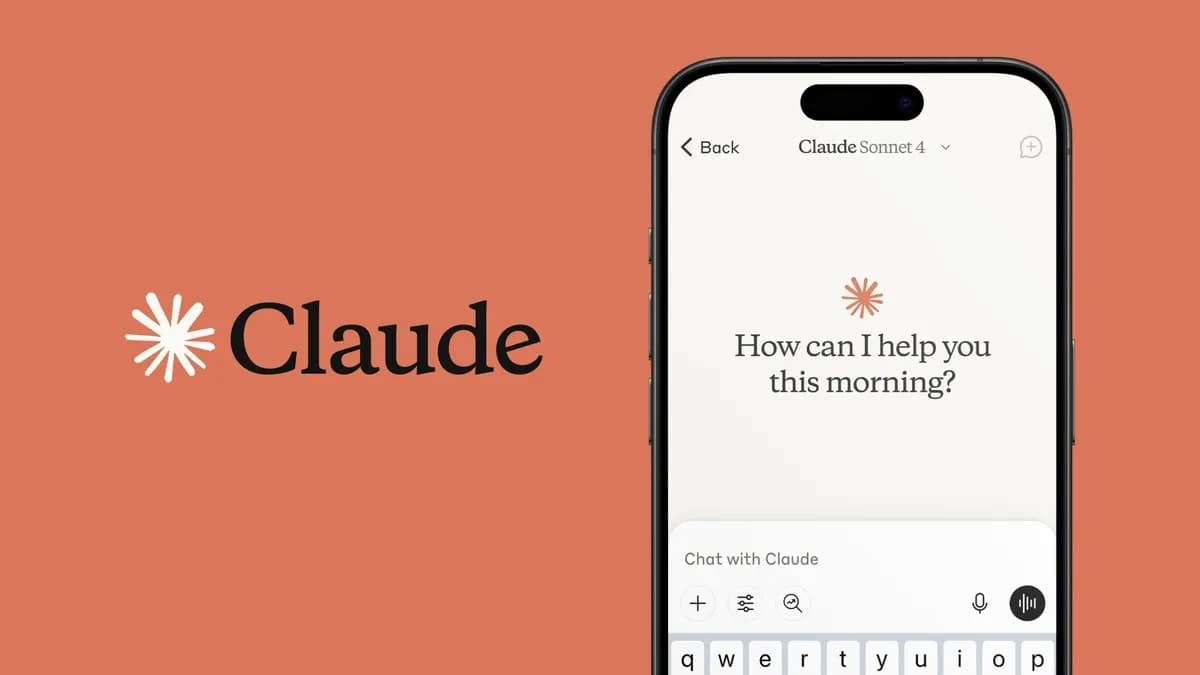
Claude
PlatformAnthropic
Learn more about the tools included in this platform
 Claude Chat
 Claude Code
 Claude Cowork
 Claude Design
 Claude for Chrome
 Claude for Excel
 Claude for PowerPoint
 Claude Projects
Claude is an AI assistant from Anthropic that has grown a lot over the past year. It holds a particularly strong position among professional users and businesses that care about quality in writing and code, precise instruction following, and thorough work with documents and complex tasks.
In the enterprise market Claude is one of the biggest players. The picture is more mixed than that, though. OpenAI is still larger in broad business use measured by reported customer base, and Microsoft Copilot has a clear advantage through its integration in Microsoft 365. Claude has still become the preferred choice for many organizations and knowledge workers, and it keeps growing quickly.
The ecosystem
Claude has one of the most complete ecosystems for developers and knowledge workers alike. Claude Code is a coding agent that runs in your terminal. Cowork is Claude's agentic tool for knowledge work. Projects gathers files and instructions into reusable workspaces. Design builds presentations and mockups for websites and web apps. There are add-ins for Excel and PowerPoint that work surprisingly well. MCP (Model Context Protocol) is an open standard that lets Claude connect to external tools and data sources.
Read more about each tool on the pages below.
Limitations and things worth knowing
Claude cannot create images, although it can generate diagrams and simple illustrations with code. The free version of Claude runs on one of the weaker models, and in practice you get more out of the free version of ChatGPT. If you use voice mode a lot, ChatGPT is the better choice.
On paid plans Claude can also feel tighter on usage than some competitors, especially if you lean hard on the most advanced models (Opus and Fable). How quickly you hit the limits depends on your plan, the model and the kind of work you do.
Relevant guides and articles
- Where should your instructions go in Claude?Guide · 7 minRead more →
- How to build an "About me" skill that makes AI much more accurateGuide · 7 minRead more →
- How to write better prompts for Claude Opus 4.8Article · 7 minRead more →
- Which AI tools train on your conversations, and how do you change the settings?Article · 8 minRead more →
- How to create a presentation with Claude Cowork and GammaGuide · 8 minRead more →
- Skills: when you need them and how to build your first one in ClaudeGuide · 12 minRead more →
- How to use Claude CoworkGuide · 25 minRead more →
- How to switch from ChatGPT to Claude without losing everything you've taught itGuide · 6 minRead more →
- How to get 10x more out of Claude: From chat to working partnerArticle · 10 minRead more →
Features
Ecosystem of specialized tools
Chat, Code, Cowork, Projects, Design, Excel, PowerPoint and Chrome. Each tool handles a different kind of job.
Context window up to 1M tokens
1M context on all paid plans. Load entire document collections or codebases.
MCP (Model Context Protocol)
Open standard for connecting AI to external tools and data sources. Used by Claude and a growing number of other AI tools. Slack, GitHub, databases and hundreds more.
Effort levels
Claude can reason at different levels, and you choose the level as you send a message depending on how much you want it to "think".
Constitutional AI
Anthropic's published safety approach. Claude is guided by an explicit set of ethical principles.
Skills
Reusable, automated workflows that can be shared across the organization.
Not sure how your team should use Claude?
We help you work out how Claude fits into the work you do.
Available on
Links and pricing
Free / Pro $20/mo / Max from $100/mo / Team from $25/seat/mo / Enterprise custom
AI is an assistant, not an authority. Always verify what matters.