 YNSPIRA
All tools
We regularly add new tools.
Missing something? Let us know!
Explore the big platforms
ChatGPT
Where most people start with AI. OpenAI's assistant writes, answers questions, creates images and does research for you.

Claude
An AI platform with a growing set of specialized tools. Strong at long documents, coding, agentic work and complex reasoning.
Google Gemini
The easiest way into AI if you use Gmail, Docs and Drive. Google's assistant also understands images, audio and video.
Microsoft 365 Copilot
An AI assistant built into Microsoft 365. It helps you write, analyze data, create presentations and summarize meetings and emails.
Explore all tools
ChatGPT
Where most people start with AI. OpenAI's assistant writes, answers questions, creates images and does research for you.

ChatGPT Chat
ChatGPT's conversation interface, with text, voice, file upload, web search, image generation and Agent Mode. Supports Custom GPTs and Advanced Voice Mode.

ChatGPT Images
Image generation in ChatGPT with GPT Image 1.5. Create images from text, edit existing ones and add text directly in the image. Works in a conversational format with iterative edits.

ChatGPT Work
Agent mode in ChatGPT that connects to your apps and files, works through a task over hours, and hands back a finished spreadsheet, document or presentation. It can also run tasks on a schedule.

Codex
OpenAI's autonomous coding agent that runs in cloud sandboxes, reads GitHub repos, writes code and opens pull requests. Available through the web, a CLI, a desktop app and a VS Code extension.
Claude
An AI platform with a growing set of specialized tools. Strong at long documents, coding, agentic work and complex reasoning.

Claude Chat
Claude's conversation interface for writing, analysis and problem solving. Artifacts give you a live preview of code, documents and visualizations right in the chat.

Claude Code
Agentic coding tool that works across entire codebases straight from the terminal or the desktop app. Also a powerful tool for knowledge workers.

Claude Cowork
Agentic workspace that lets Claude work independently on tasks on your computer. File organization, research, document production. Send tasks from your phone with Dispatch.

Claude Design
Build prototypes, landing pages, presentations and design systems by talking to Claude. Chat on the left, a live canvas on the right, and finished designs export to Canva, Gamma, PDF, PPTX, HTML, or hand off straight to Claude Code for implementation.

Claude for Chrome
Chrome extension that gives Claude access to your browser. Summarize pages, fill in forms, navigate websites, all from a side panel in the browser.

Claude for Excel
Claude inside Microsoft Excel. Analyze data, build formulas and charts in plain language without breaking existing formulas and dependencies.

Claude for PowerPoint
Claude inside PowerPoint. Build presentations from text or data, restructure content and get help with the message. Can follow your company template.

Claude Projects
Dedicated workspaces with their own knowledge base, instructions and conversation history. Gives Claude lasting context about your work.
Google Gemini
The easiest way into AI if you use Gmail, Docs and Drive. Google's assistant also understands images, audio and video.

Gemini Canvas
Interactive workspace in Gemini for writing, building slides, coding and making apps right in the chat. Free for all users.

Gemini Chat
Google's AI chat interface with voice conversation, Deep Research and integrations with YouTube, Gmail, Maps and more. Among the biggest context windows in its class.

Nano Banana (images)
Google's image generation and editing through Gemini. Create images from text, edit existing ones, and get text rendered in images with good precision.

NotebookLM
AI-powered research tool where you upload documents and have conversations with the content. Generates AI podcasts that summarize your sources.

Workspace Studio
Google's no-code platform for building simple AI agents and AI-powered workflows that automate tasks across Gmail, Drive, Sheets and other Workspace apps. Describe what you want done in plain language, and Gemini builds the agent for you through Workspace Studio.
Microsoft 365 Copilot
An AI assistant built into Microsoft 365. It helps you write, analyze data, create presentations and summarize meetings and emails.

Copilot Chat
Chat-based AI assistant in Microsoft 365 that can search your organisation's email, files and meetings. Answers built on your actual work data, not just what it finds online.

Copilot Cowork
Copilot Cowork is a preview feature in Microsoft 365 Copilot for multi-step work. It's built to help with tasks like email drafting, meeting prep, document work and coordination across Microsoft 365.

Copilot in Excel
AI assistant in Excel that analyses data and builds formulas and charts from plain language.

Copilot in Outlook
AI assistant in Outlook that summarises email threads, drafts replies in the right tone and helps you get through your inbox faster.

Copilot in PowerPoint
AI assistant in PowerPoint that builds presentations from text, documents or rough notes. Works best as a structuring tool, not as finished design.

Copilot in Teams
AI assistant in Teams that summarises meetings in real time, lists action points and helps you keep up with what is being shared in chats and channels.

Copilot in Word
AI assistant in Word that helps you draft, rewrite and summarise documents.

Copilot Notebooks
AI-powered workspace where you gather files, meeting notes and chats around a project. Copilot answers based on everything you've put in.

Copilot Pages
Collaborative surface where you turn AI-generated content from Copilot Chat into editable documents the team can work on together in real time.
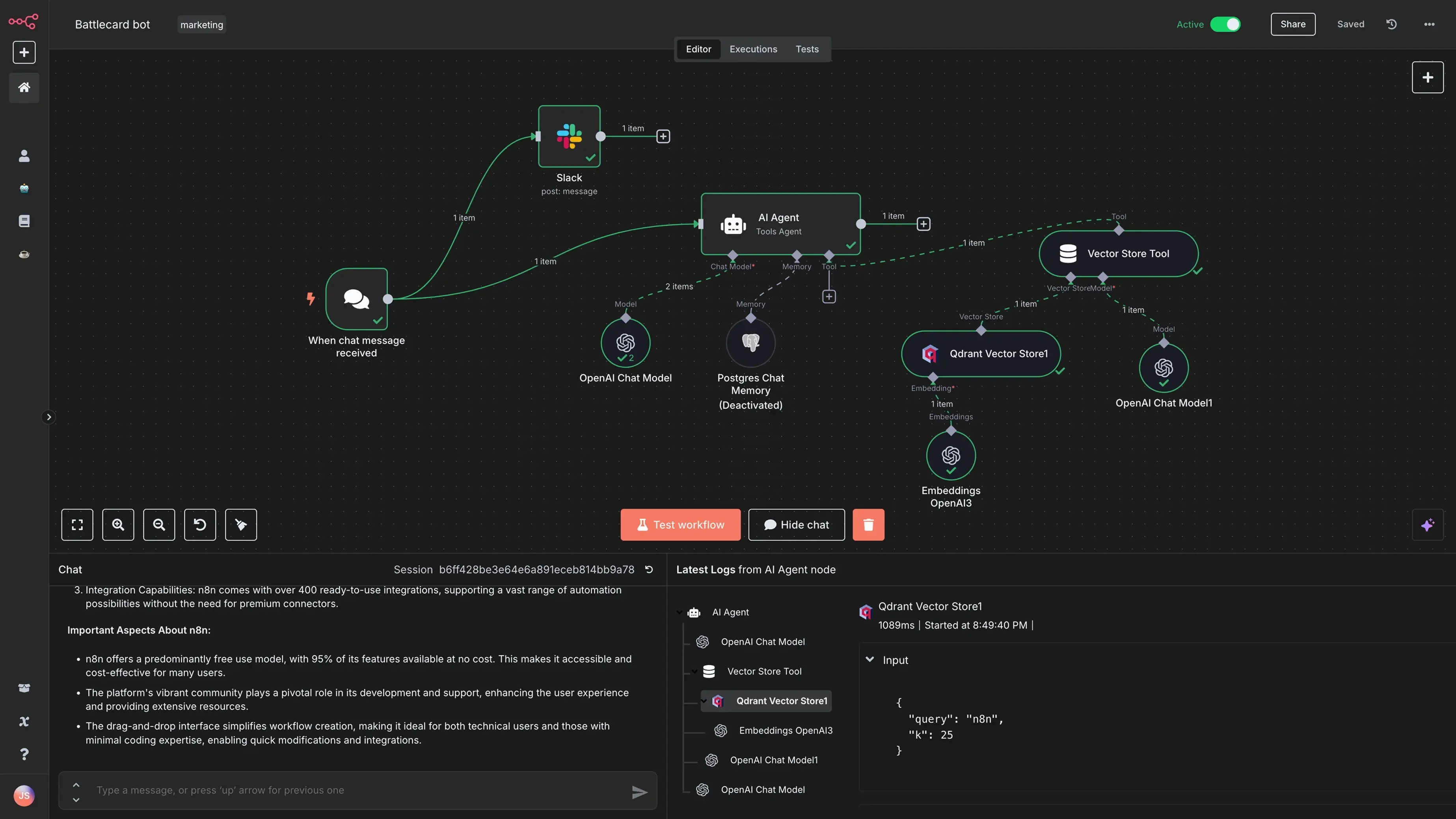
n8n
Open source automation you can run on your own server with unlimited workflows. Free when self-hosted, most powerful for technical users.
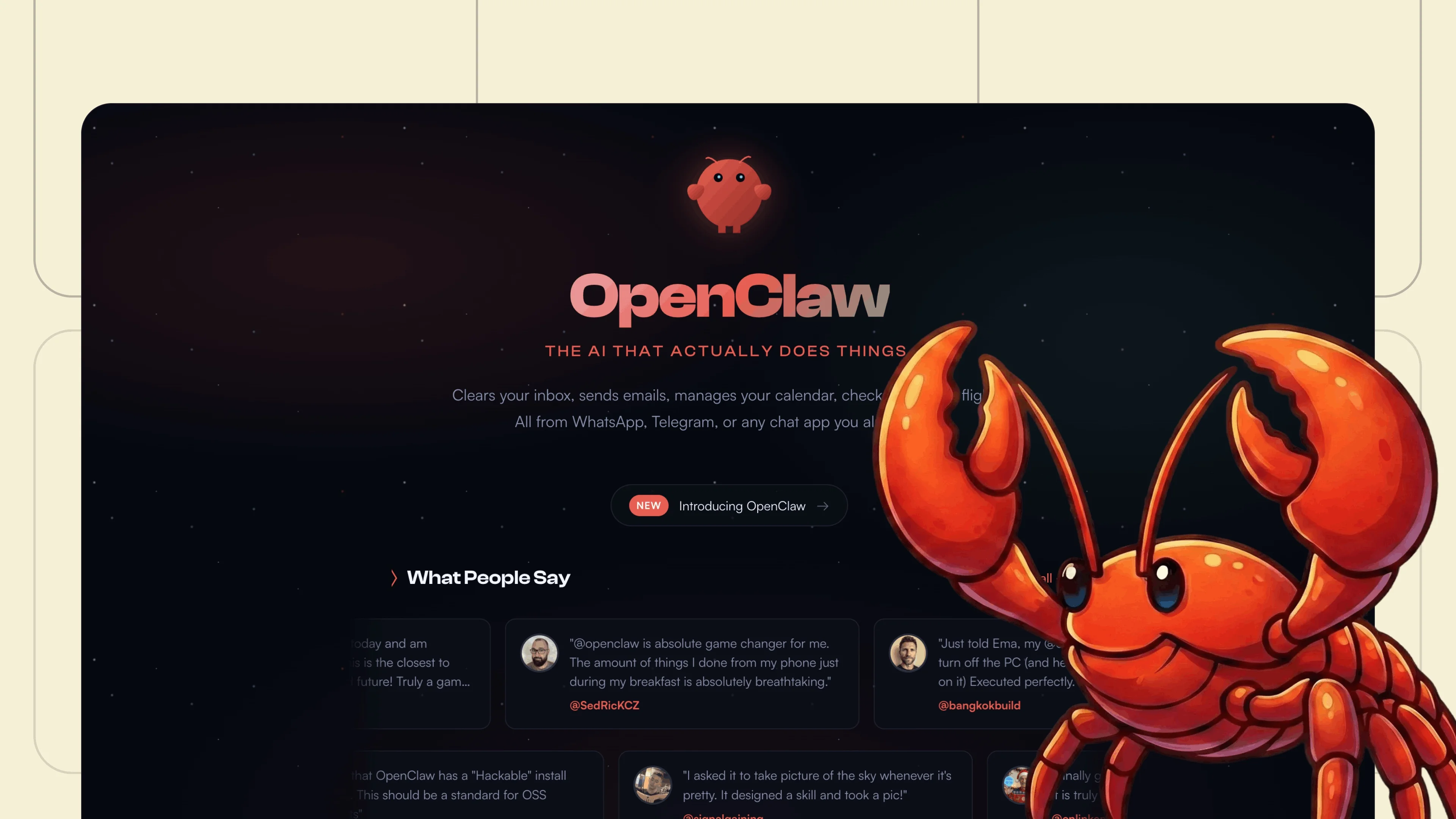
OpenClaw
Self-hosted, open source AI agent that connects to messaging apps, calendar, email and smart home. Runs locally on your own machine with full data control.


Missing a tool?
We're expanding the collection continuously. Have a suggestion? Send us a tip!
Send suggestion